
Half the recipes you actually want to cook live in your Instagram saves — a recipe reel from a creator, a carousel of step photos, that dish a friend sent with "we're making this." To save recipes from Instagram as something you can actually cook from, hand the post to momoChef: it reads the caption when the creator has written the recipe there, and builds an editable recipe draft with real ingredients and steps.
Instagram imports work differently from TikTok or YouTube imports, and knowing the difference saves you a failed import: for Instagram posts, momoChef reads the post text rather than transcribing a video — the caption is usually where the creator wrote the recipe. This guide covers the three ways to save an Instagram recipe, what happens when a post has no recipe in it, and what it all costs.
How to save recipes from Instagram, step by step
- Find a post or reel with the ingredients and directions written in the caption, and tap the Share icon.
- Pick momoChef from your phone's share sheet. The post's link lands in momoChef, where you review it and pick a book.
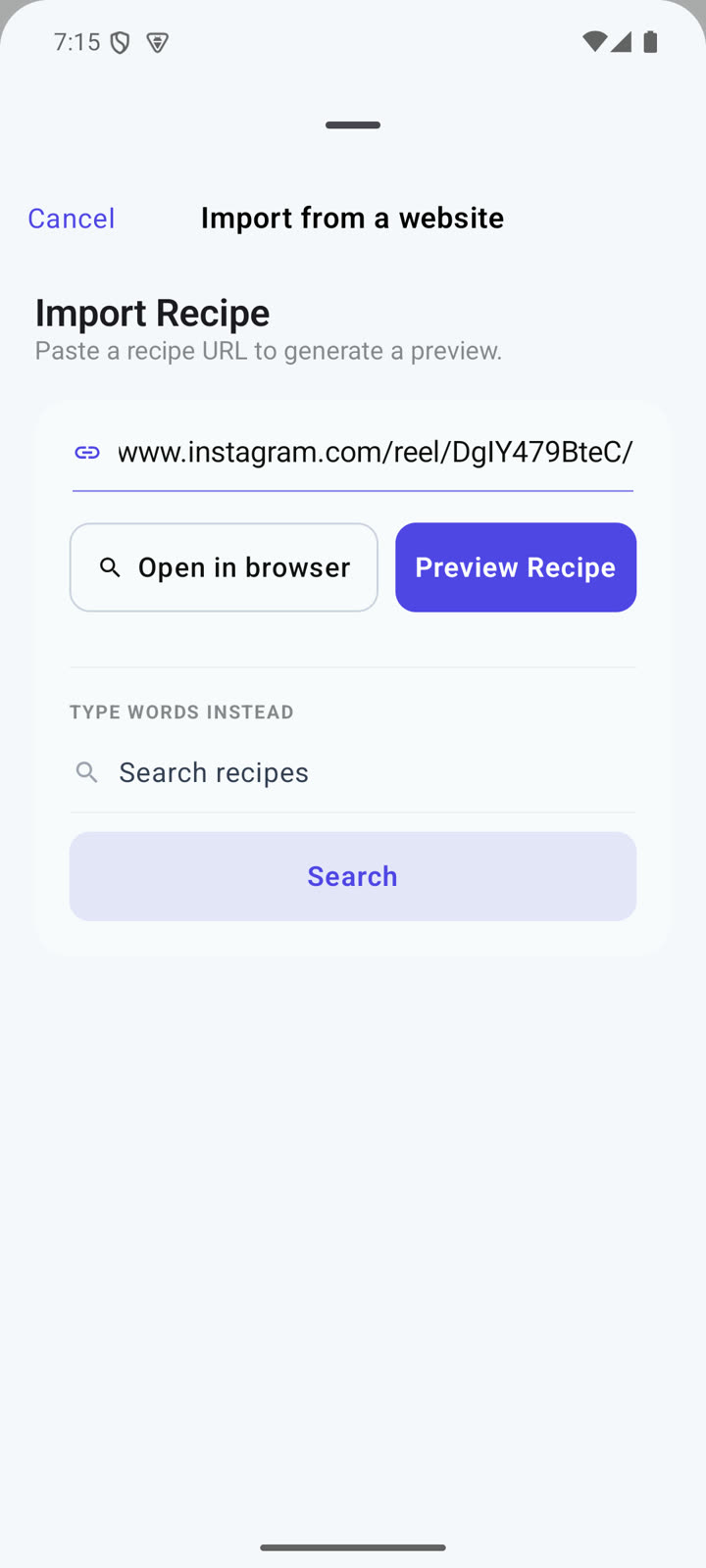
- Or copy the link instead. Instagram's menu has a Copy link action; paste it into momoChef's import screen (in the app: the + button → Web) and tap Preview Recipe. On the web, install the momoChef browser extension first — Instagram blocks server-side fetching, so the extension captures the post in your own browser. The phone apps fetch the post on your device.
- Give the import a moment. momoChef reads the post text and turns the recipe into a draft — the caption is what carries it.
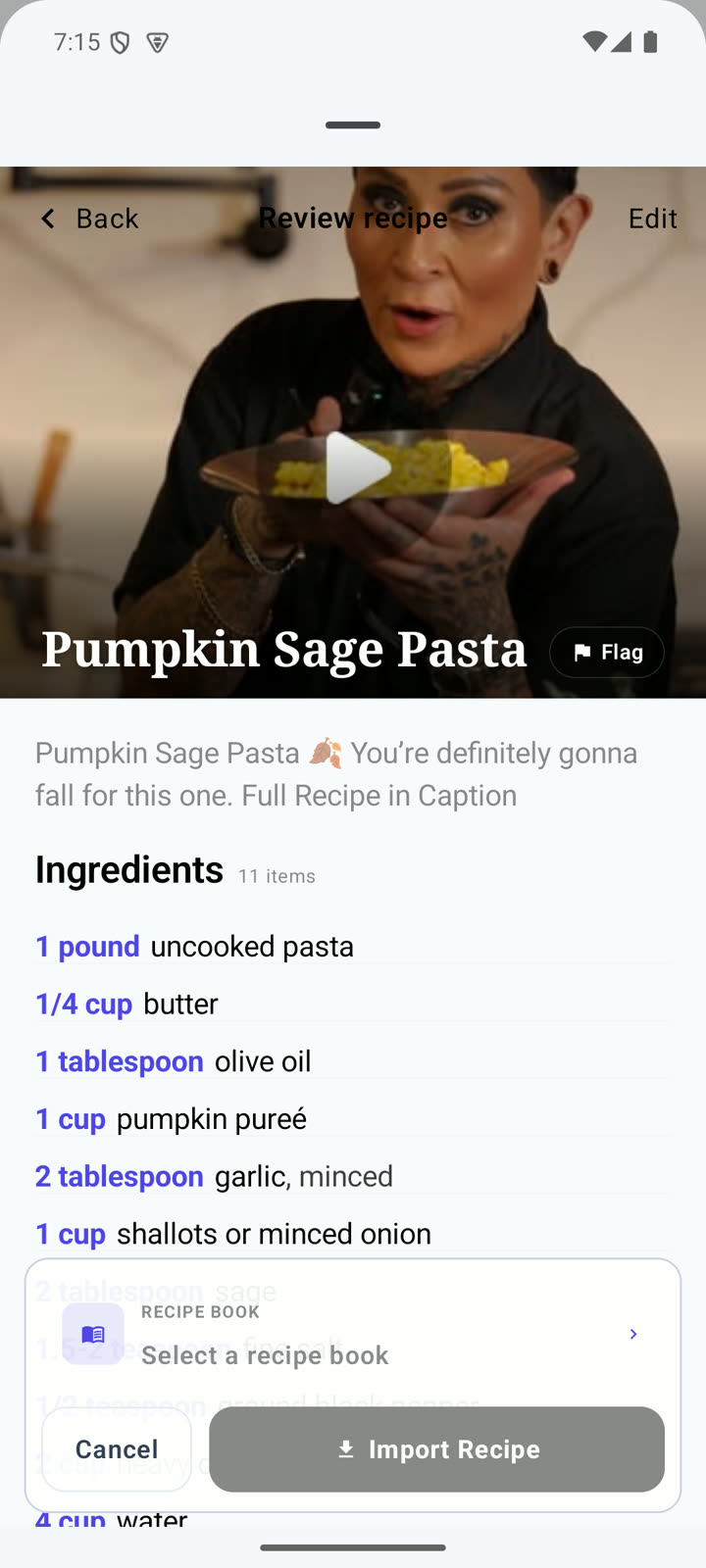
- Review the draft. Ingredients and steps, editable in place. Recipe captions are usually written compactly ("1 cup flour, 2 eggs..."), so give the draft a once-over while it's on screen.
- Pick the book and save. From there the recipe behaves like any other in your library — scalable, printable, translatable, ready for the meal planner.
Import recipes from Instagram: what the import reads
Instagram is a caption platform, and the import is built around that. The recipe's home is the caption — the block of text under a reel or carousel where creators write out ingredients and steps. momoChef reads that text and turns it into a structured draft: ingredients separated, steps listed in order.
| Where the recipe lives | What momoChef reads | What you need |
|---|---|---|
| Written out in the caption | The caption text is parsed into a structured draft | Free |
| On the images themselves (step photos, text overlays) | Not readable from the post — use Photo/Scan on a screenshot instead | Premium |
| In a recipe website the post links to | Open that link and import it — website imports read the full page | Free |
| Nowhere in the post at all | Save the post itself to a book and paste the recipe in when it exists | Free |
| A screenshot of the recipe | Photo/Scan reads the screenshot's text into a draft | Premium |
| Shared as a short link from your browser | Paste or share it — the link must resolve to a supported Instagram post | Free — web imports need the browser extension |
If the recipe only appears in the images, take a screenshot and use momoChef's photo import to read it — the same Premium pipeline that reads cookbook pages. The guide to import recipes covers the photo path in detail.
Save recipes from Instagram with the share sheet
The share sheet sends the post without copying anything. In Instagram, tap the Share (paper plane) icon and pick momoChef from your phone's share row.
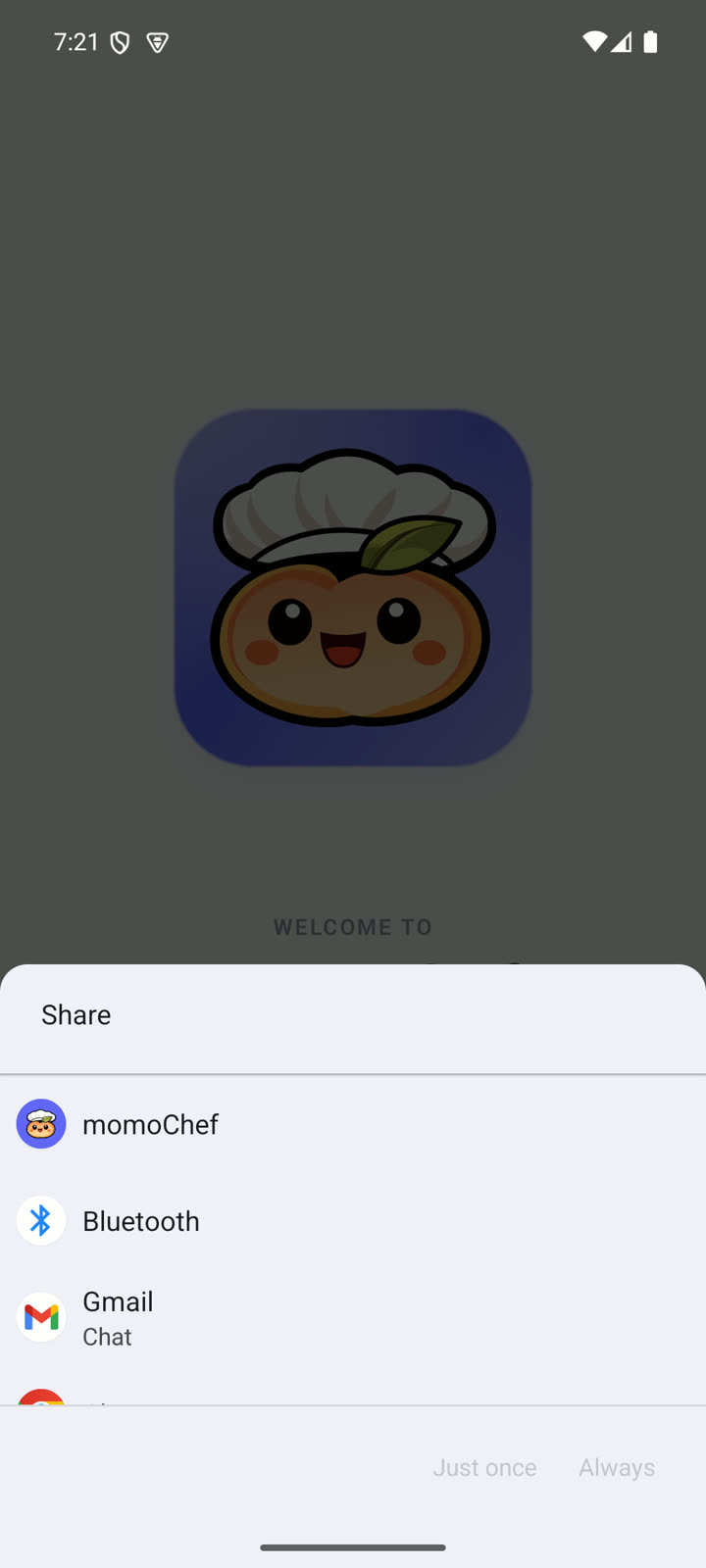
If momoChef doesn't appear in your phone's share row, copy the post's link and paste it into the import screen instead.
When the post has no recipe
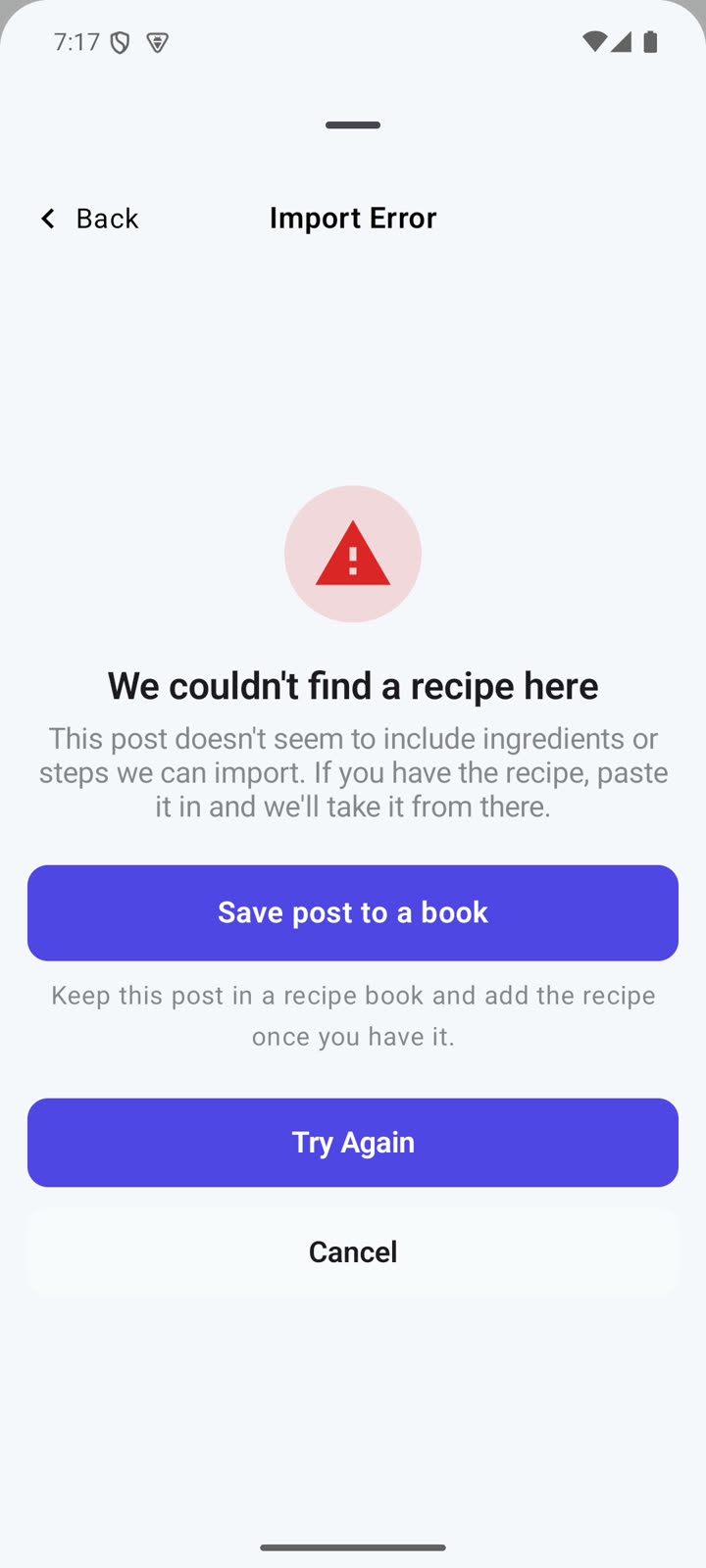
Plenty of food posts are food, not recipes — a restaurant plate, a plating video, a teaser for a paid course. When the import finds no recipe in a post, momoChef doesn't hand you an empty editor: it offers to save the post itself into one of your books, keeping the link so you can find it later. When the creator posts the written version, or when you ask them for it in a comment, you convert the saved post by pasting the recipe in.
What it costs to save recipes from Instagram
Every account imports 25 recipes a month free, and Instagram caption imports are a free source — no Premium needed to save recipe posts this way. Premium ($0.99/month or $9.99/year) removes the monthly import limit and adds photo import, which is what reads recipe screenshots. Saving a recipe-less post costs nothing on any plan.
FAQ
Does saving recipes from Instagram need Premium? No — posts with the recipe written in the caption import on the free plan within the monthly limit. Photo import for screenshots is Premium.
Why did my Instagram import fail when the TikTok one worked? They're different pipelines: Instagram blocks direct page fetches, so on the web the momoChef browser extension captures the post (make sure it's installed and up to date); on your phone, try sharing or copying the link into the app. If the recipe is only in the images, Premium members can screenshot it and use Photo/Scan.
Can I import a recipe from the photos in a carousel? Not from the post directly — but screenshot the image with the recipe text and import that through photo import.
The caption says "recipe in comments" — can the import read comments? No. Copy the recipe text and paste it in — or, when converting a saved post, paste it there. Premium members can also screenshot the comment and use Photo/Scan.
Do Instagram imports count against the free monthly limit? Yes — free accounts get 25 imports a month across the free sources; Premium removes the monthly import limit.
Can I keep a recipe-less Instagram post for later? Yes — the import offers to save the post into one of your books, link kept, and you can convert it by pasting the recipe whenever it surfaces.
Start small: next time a recipe reel stops your scroll, tap Share, tap momoChef, and check the draft — if the caption has the recipe, review the ingredients and directions, then save it to a book. The import recipes guide covers every source side by side, and momoChef is free to start in the web app or the iOS app.