

momoChef for iOS
Last updated: 2026-08-19
The full power of momoChef in your pocket. Learn about iOS-specific features including offline mode, Share Extension, widgets, and more.
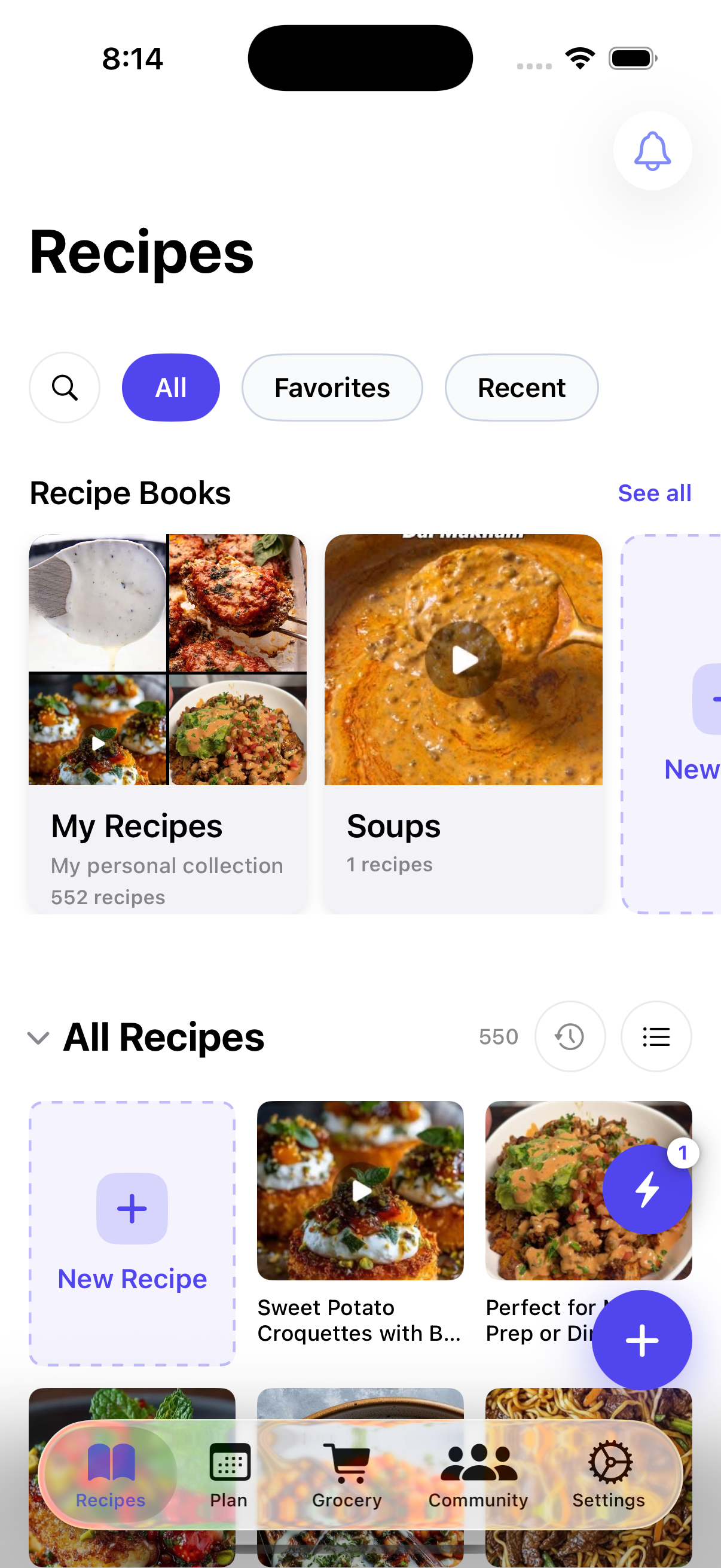
Download the iOS App
Available on the App Store — or search "momoChef" in the App Store. Requires iOS 16.0 or later.
iOS Features
Offline Mode
Access your recipes and cook without an internet connection.
- All your recipes are stored locally on your device
- Meal plans and grocery lists work offline
- Changes sync automatically when you reconnect
- Perfect for cooking in areas with poor connectivity
Share Extension
Save recipes from any app with the iOS Share Sheet.
- Browse Safari, Pinterest, Instagram — anywhere
- Tap Share, select momoChef, and recipe is imported
- Works with photos too — save recipes from your camera roll
- Fastest way to build your recipe collection
Biometric Authentication
Secure and convenient login with Face ID or Touch ID.
- No need to type your password every time
- Face ID support on iPhone X and newer
- Touch ID support on compatible devices
- Your credentials are stored securely in Keychain
Home Screen Widgets
See your meal plan and grocery list at a glance.
- Today's Meals widget shows what's for dinner
- Grocery List widget for quick shopping reference
- Multiple widget sizes to fit your home screen
- Long-press to customize and place anywhere
Push Notifications
Stay updated with cooking timers and messages.
- Get notified when timers complete
- Receive cooking session invitations
- Message notifications from friends
- Meal reminders for planned dinners
Real-time Sync
Seamless synchronization across all your devices.
- Changes sync instantly when online
- Background sync keeps data up to date
- Conflict resolution for simultaneous edits
- Switch between iPhone and iPad effortlessly
Requirements
Device Requirements
- iPhone running iOS 16.0 or later
- iPad running iPadOS 16.0 or later
- Optimized for iPhone 14 and newer
Account Requirements
- A momoChef account (free or Premium)
- Internet connection for initial setup and sync
- Optional: Enable Face ID/Touch ID for quick access
Using the Share Extension
The Share Extension is the fastest way to save recipes to momoChef from anywhere on your iPhone or iPad.
How to Use the Share Extension
- Open Safari, Chrome, Pinterest, or any app with recipe content
- Tap the Share button (square with arrow pointing up)
- Scroll down and tap "momoChef" in the actions row
- Review the imported recipe and save to your recipe book
Pro Tip
Can't find momoChef in the Share Sheet? Tap Edit Actions at the bottom and add momoChef to your favorites for quick access every time.