

Pantry Management
Last updated: 2026-10-23
Track what you have on hand, monitor expiration dates, and reduce food waste. Never buy duplicates or let good food go bad again.
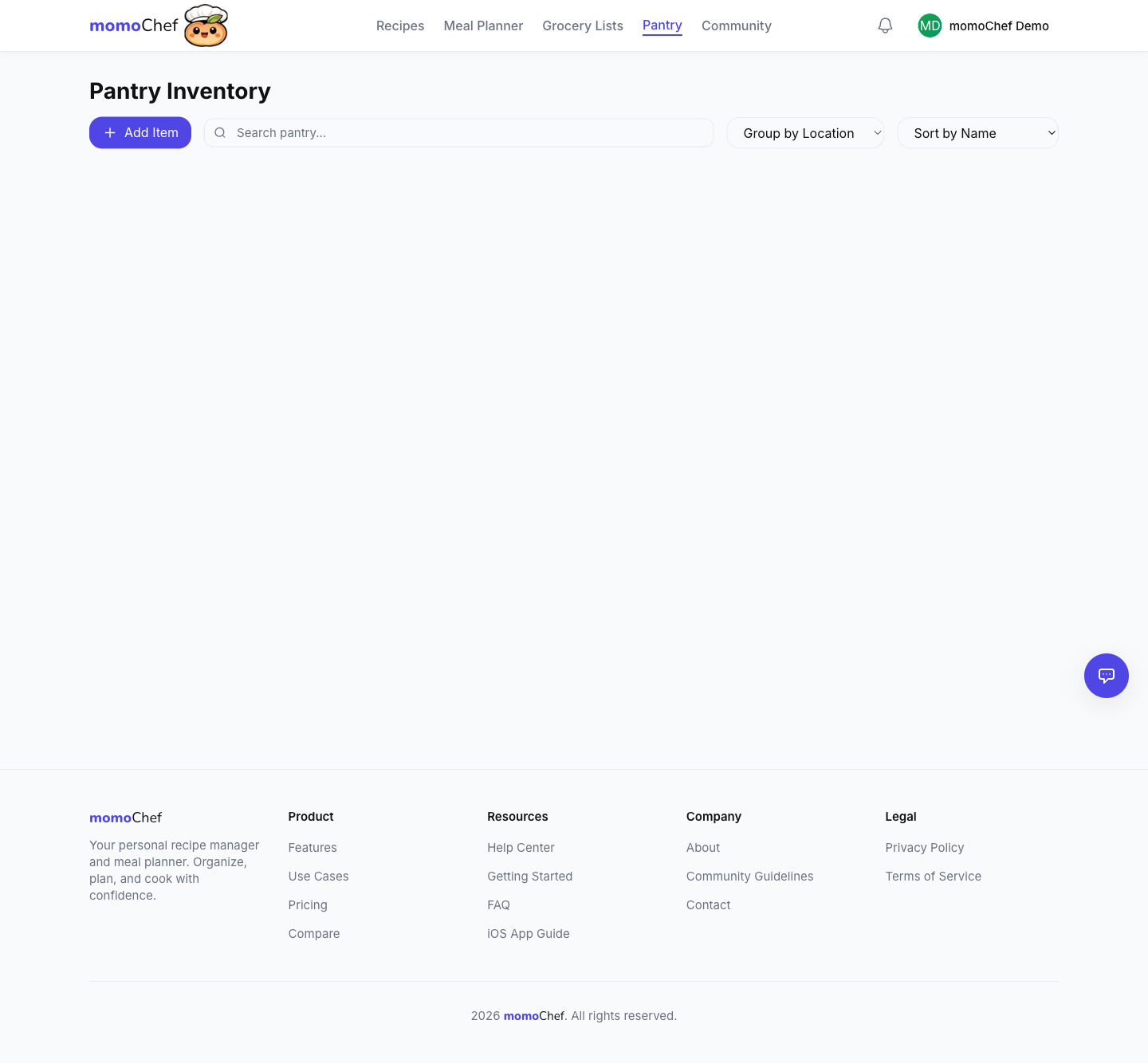
Why Track Your Pantry?
Knowing what you have on hand helps you shop smarter, waste less food, and meal plan more effectively. When you know what's in your pantry, you can plan meals around ingredients you already have, saving money and reducing trips to the store.
Features
Track Your Inventory
Know what you have in stock at all times.
- Add items to your pantry with quantities and units
- Categories for easy organization (produce, dairy, etc.)
- Set expiration dates to track freshness
- Quick add from grocery list after shopping
- Manual inventory when needed
Expiration Tracking
Never let food go bad again.
- Set expiration dates for perishable items
- View items sorted by expiration date
- See an "Expiring soon" list (next 7 days by default — adjustable from 1 to 30 days)
- Know what to use first (first in, first out)
- Reduce food waste and save money
Grocery List Integration
Know what you already have before shopping.
- Pantry items are subtracted when generating grocery lists
- Don't buy what you already have on hand
- Re-add staples you keep stocked in one tap from the Staples page in Grocery Lists
- Staple suggestions come from your purchase history — things you buy often
- Avoid duplicate purchases
Your pantry is per-account and syncs across all your devices. Note: un-checking the "Have at home" toggle when adding from recipes doesn't remove the item from your pantry — delete it there if you no longer have it.
Location Tracking
Remember where you stored things.
- Store items by location (fridge, freezer, pantry)
- Find items quickly when cooking
- Great for organized kitchens
- Helps with meal planning based on what you have
Pro Tips
- Do a pantry inventory when you first start using momoChef for best results
- Add items to your pantry immediately after grocery shopping
- Check your pantry before meal planning to use what you already have
- Set reminders to review expiring items weekly
- Use expiration tracking to reduce food waste
Related Topics
- Grocery Lists - Avoid buying what you already have on hand
- Meal Planning - Plan meals around what's in your pantry