

iOS Home Screen Widgets
Last updated: 2026-10-26
momoChef comes with nine home-screen widgets plus two Live Activities. Widgets require iOS 17 or later.
The widgets
| Widget | What it shows |
|---|---|
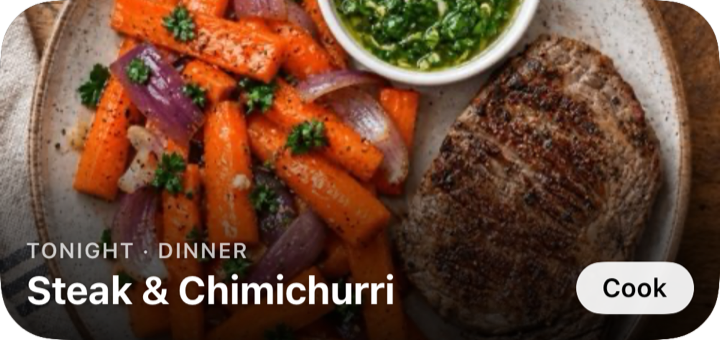
| Tonight | Your meal plan for tonight and the next 7 days |
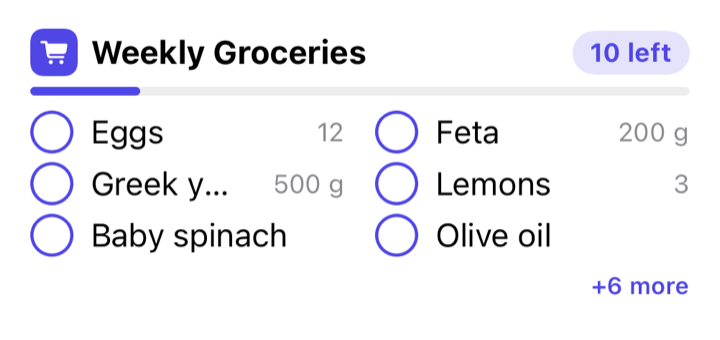
| Grocery List | Your grocery list — check items off right in the widget |
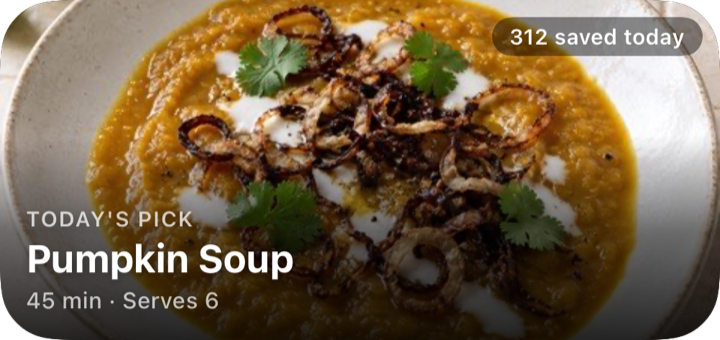
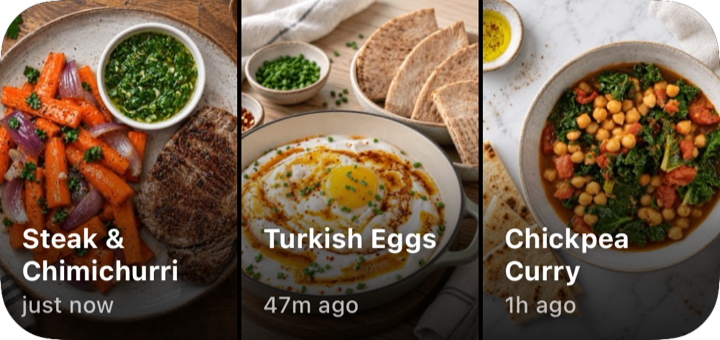
| Recipe of the Day | A community pick, refreshed around midnight US Pacific |
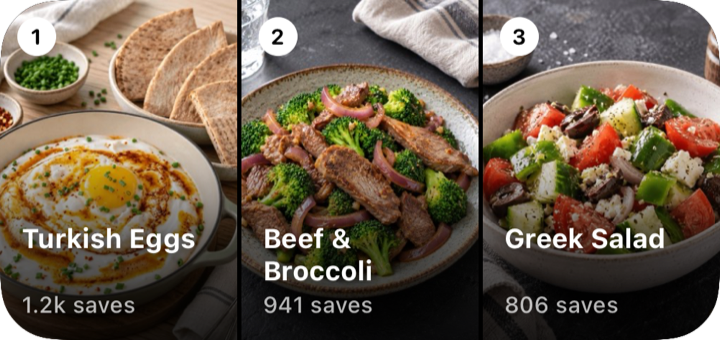
| Popular This Week | The community's most popular recipes |
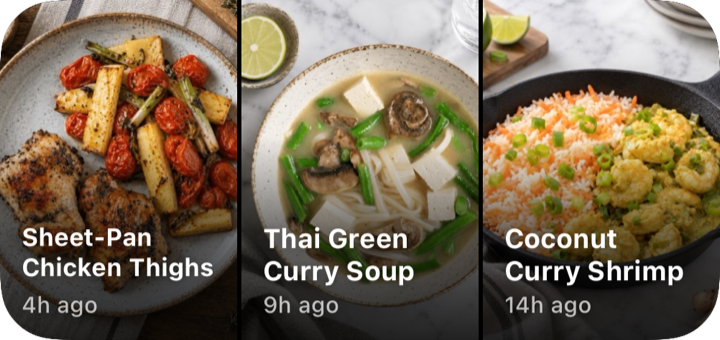
| Recently Cooked | Jump back into your recent cooks |
| Recent Imports | Your latest imports |
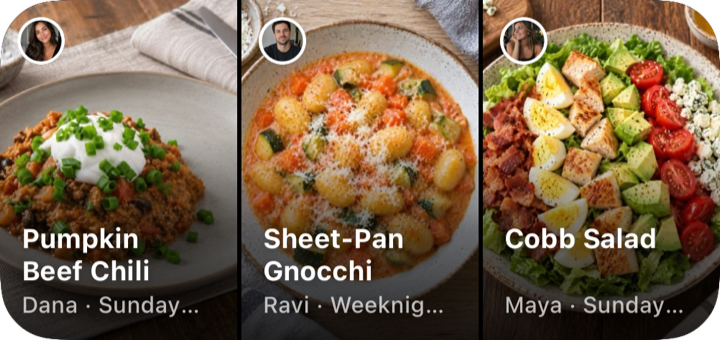
| In Your Groups | Recipes from your groups |
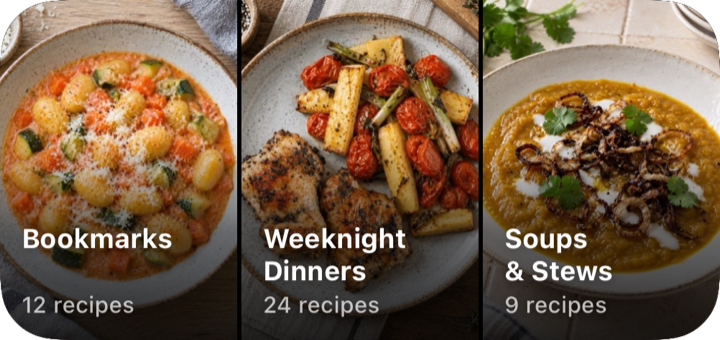
| Recipe Books | Open one of your books — pick which book in Edit Widget |
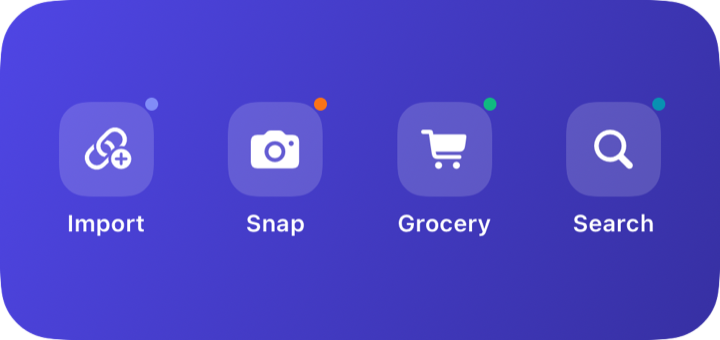
| Quick Actions | Shortcuts to common tasks |
Tonight, Grocery List, and Recipe Books are also available in the Large size. The Cooking Session and Timer Live Activities show live progress on the Lock Screen and in the Dynamic Island.
Each widget, shown at its medium size:
Adding a widget
- Long-press your home screen and tap +
- Search for momoChef
- Pick a widget and size, then tap Add Widget
Good to know
- Grocery List shows the first list that still has unchecked items, and you can check items off without opening the app.
- Recipe Books is the only widget you can configure — long-press it and tap Edit Widget to choose which book it opens.
- Tonight rolls over at local midnight and refreshes when the app updates your plan. Recipe of the Day refreshes around midnight US Pacific time — it's the same pick for everyone.
- A widget shows no data? Open the momoChef app once so it can fill the widget's data. The community widgets (Recipe of the Day, Popular This Week) work even when you're signed out.