

momoChef Web App Features
Explore all the features momoChef has to offer. From smart recipe import to collaborative cooking, everything you need to organize your kitchen and cook with confidence.
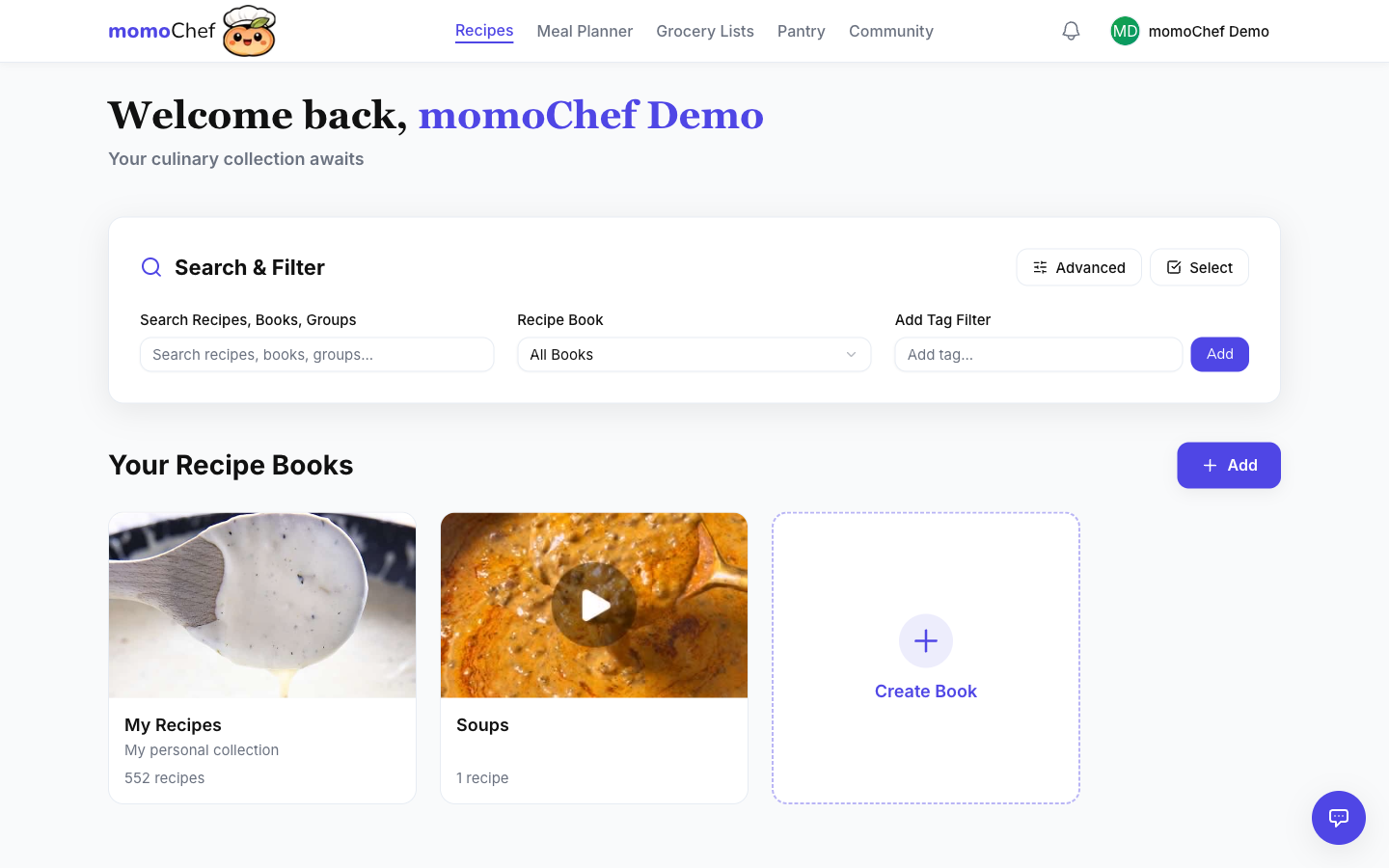
Recipe Import
Save recipes from anywhere with our smart import tools.
- URL Import
- Photo OCR
- Browser Extension
- Manual Entry
- Bulk Import
Meal Planning
Plan your meals with our intuitive calendar and smart suggestions.
- Calendar View
- Recurring Meals
- Nutrition Tracking
- Calendar Export
Grocery Lists
Generate smart shopping lists from your meal plans.
- Auto-Consolidation
- Aisle Categories
- Pantry Staples
- List Sharing
Cooking Mode
A distraction-free cooking experience with built-in timers.
- Step-by-Step
- Built-in Timers
- Ingredient Check-off
- Collaborative Cooking
AI Assistant
Get personalized help with cooking, substitutions, and meal ideas.
- Recipe Suggestions
- Ingredient Substitutions
- Cooking Tips
- Meal Planning Help
Sharing & Community
Share recipes and cook together with friends and family.
- Public Links
- Shared Recipe Books
- Real-time Cooking
- Friends & Groups
Recipe Import
Save recipes from anywhere with our powerful import tools. Whether you're browsing a recipe blog, have a cookbook photo, or want to type it in manually, we've got you covered.
URL Import
Paste any recipe URL and our smart parser will extract the title, ingredients, instructions, and more.
Works with most major recipe sites including Bon Appétit, Food Network, AllRecipes, and thousands of food blogs.
Photo Import (Premium)
Upload a photo of any recipe and our AI-powered OCR will extract the text automatically.
Perfect for saving recipes from cookbooks, magazines, or family recipe cards.
Browser Extension
Add the momoChef extension to save recipes with one click while browsing.
Available for Chrome. Firefox coming soon. Works on social media too!
Add to ChromeBulk Import
Import multiple recipes at once from ZIP files or other recipe apps.
Supports imports from Paprika, CopyMeThat, and standard JSON/CSV formats.
Meal Planning
Plan your meals with our intuitive calendar view. Drag and drop recipes, set up recurring meals, and never wonder "what's for dinner" again.
Calendar View
See your entire week at a glance. Drag recipes onto the calendar or use the meal picker to quickly add meals.
Recurring Meals
Set up recurring meal patterns like Taco Tuesday or Pizza Friday. Premium feature for advanced meal planning.
Grocery Integration
One click adds all ingredients from your meal plan to your grocery list, automatically consolidated by aisle.
Smart Grocery Lists
Generate shopping lists from your meal plans with smart ingredient consolidation and categorization.
Auto-Consolidation
When the same ingredient appears in multiple recipes, momoChef combines quantities automatically. "2 onions" + "1 onion" = "3 onions" on your list.
Aisle Categories
Items are automatically organized by grocery store section: produce, dairy, meat, pantry, etc. Shop efficiently without zigzagging the store.
Cooking Mode
A distraction-free cooking experience designed for the kitchen. Cross off ingredients, follow step-by-step instructions, and never lose your place.
Built-in Timers
Timers are automatically detected from recipe instructions. Set multiple timers and get notified when they're done.
Collaborative Cooking
Share a cooking session code and cook together with friends in real-time. Everyone sees the same progress.
AI Cooking Assistant
Your personal sous chef, powered by AI. Get ingredient substitutions, cooking tips, recipe modifications, and more.
Ingredient Substitutions
"I don't have buttermilk, what can I use instead?" Get instant substitutions for common ingredients.
Recipe Modifications
"How do I make this recipe dairy-free?" Get suggestions for modifying recipes to fit your dietary needs.