

Recipe Import
Save recipes from anywhere with our powerful import tools. Whether you're browsing a food blog, snapping a photo of a cookbook, or typing from a recipe card, we've got you covered.

Smart Parsing Technology
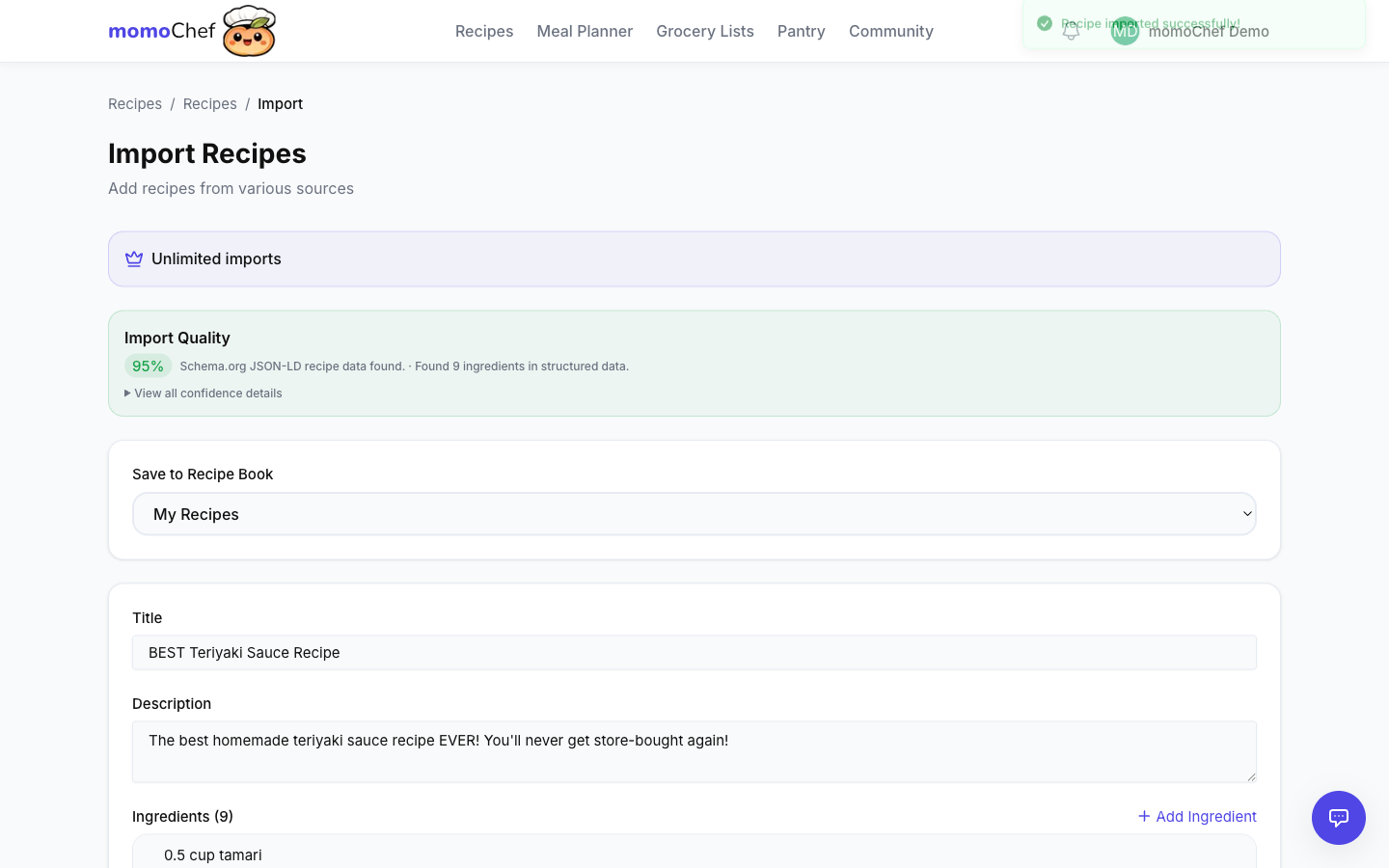
Our AI-powered parser understands recipe structure across thousands of websites. It identifies titles, ingredients with quantities and units, cooking times, servings, and step-by-step instructions. You get clean, organized recipes every time.
Import Methods
Browser Extension
One-click recipe saving from any website
- Available for Chrome. Firefox coming soon.
- Works while browsing - just click the extension icon
- Automatically detects recipe content on the page
- Preview and edit before saving
- Save recipes from social media (Instagram, TikTok, Pinterest)
URL Import
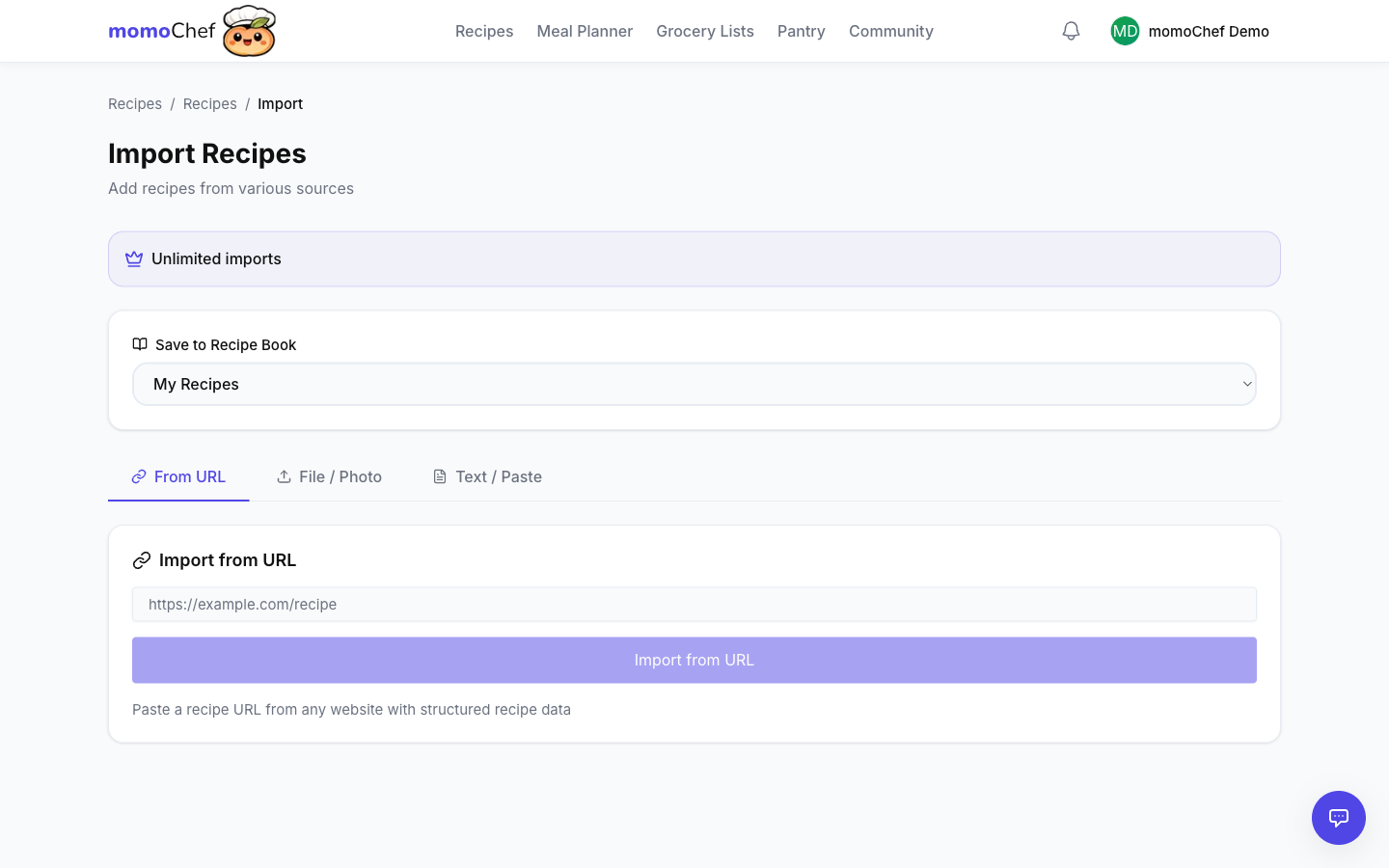
Paste any recipe URL to import automatically
- Supports thousands of recipe websites and food blogs
- Smart parser extracts title, ingredients, instructions, nutrition
- Auto-detects cooking time and servings
- Preserves source link for original recipe
- Works in the web app and mobile apps
Photo Import (Premium)
PremiumSnap or upload a photo - AI extracts the recipe
- AI-powered OCR (Optical Character Recognition)
- Extracts text from recipe cards, cookbooks, magazines
- Works with photos from your camera roll or saved images
- Smart parsing identifies ingredients and instructions
- Edit and correct extracted text before saving
Manual Entry
Type or paste recipe text with smart formatting
- Smart ingredient recognition and formatting
- Auto-suggest units as you type
- Add multiple photos to manual recipes
- Save as draft and come back later
- Copy/paste entire recipe text at once
Bulk File Import
Import multiple recipes from ZIP files or other apps
- Import from Paprika, CopyMeThat, and other apps
- Supports JSON, CSV, Markdown, and ZIP formats
- Import hundreds of recipes at once
- Progress tracking during bulk imports
- Duplicate detection prevents double-saving
Pro Tips
- 💡Use the browser extension for fastest imports - it's a game changer
- 💡For cookbook recipes, use Photo Import instead of typing
- 💡Free users can import 10 recipes per month - Premium gives you unlimited
- 💡Check the import preview to ensure ingredients parsed correctly
- 💡Organize imports into specific recipe books right away